 Referer By Domain
Decide what your browser tells websites about where you came from.
Referer By Domain sets Firefox's Referer header on a per-domain basis: block it, trim it to the origin, send it in full, or leave it alone. Wildcards, related-domain detection, and nine languages included.
Firefox's own setting is all-or-nothing. This one isn't.
network.http.sendRefererHeader applies to every site you visit. Referer By Domain applies your rule to one domain at a time, so the sites that need a Referer keep working while the ones tracking you across the web don't get one.
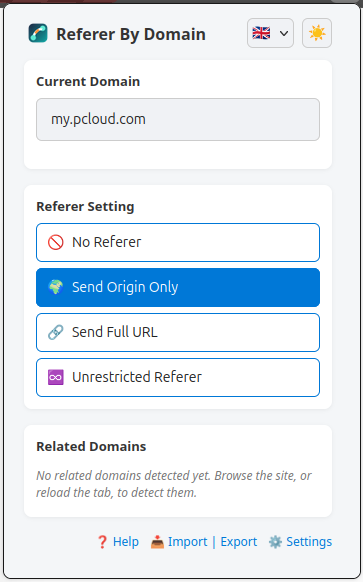
Four modes, per domain
No referer, origin only, full URL, or unrestricted. Set independently for every domain you visit.
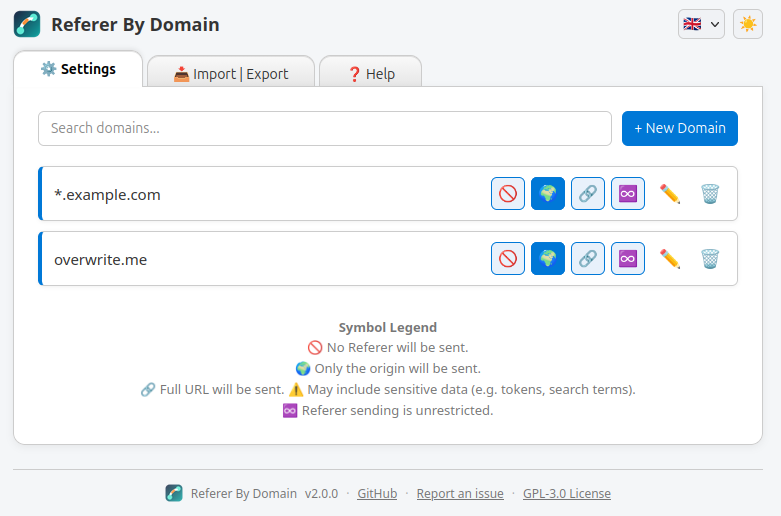
Wildcard rules
*.example.com covers every subdomain in one rule, instead of one entry per host.
Related-domain detection
APIs and CDNs a site depends on are found automatically and listed for you to configure, surviving background-worker restarts.
Nine languages
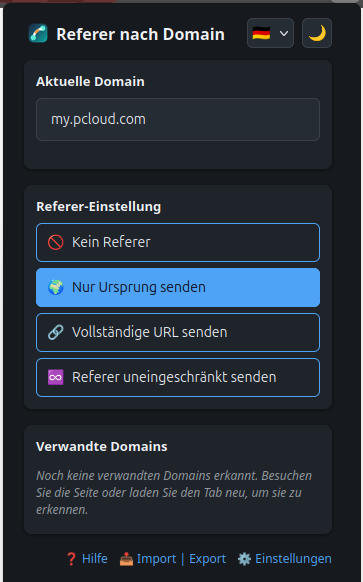
English, German, French, Polish, Japanese, Spanish, Portuguese, Czech and Slovak, plus an auto mode that follows the browser.
Nothing leaves your machine
Rules are stored locally. The add-on's own manifest declares zero data collection.
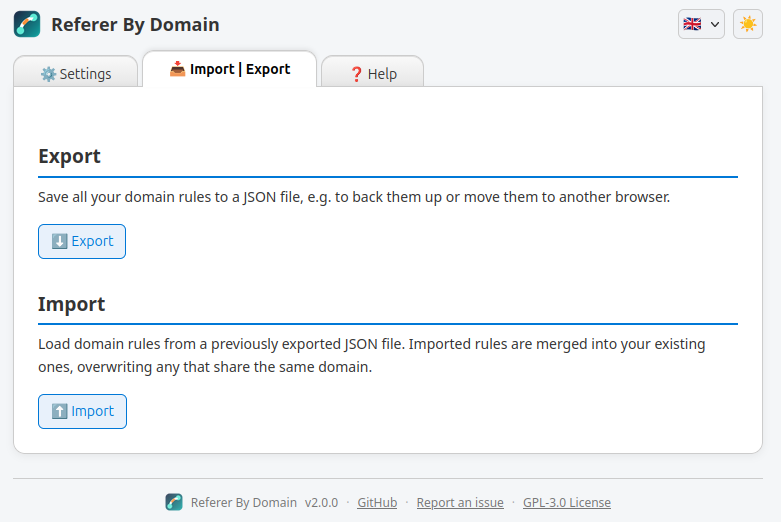
Export & import
Back up your rule set as JSON, or carry it over to another Firefox install in a couple of clicks.
What each setting actually sends
Say you're on shop.example/cart and it makes a request to another domain. Here's the Referer header that request carries under each mode.
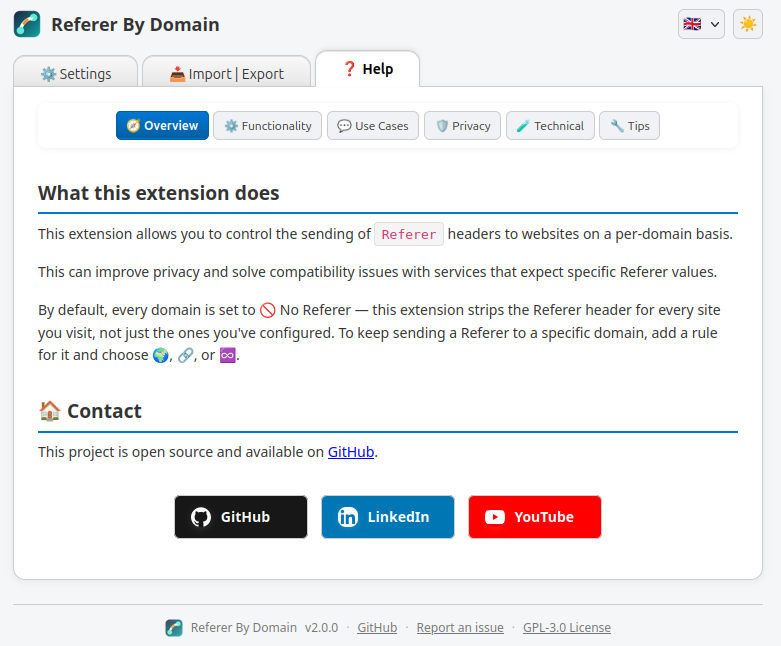
Popup, settings, and help: themed to match your browser
No accounts, no telemetry, no sync
Every rule lives in Firefox's local extension storage. The manifest's own data_collection_permissions is set to none. There's nothing for the extension to send, because it never talks to a server of its own.